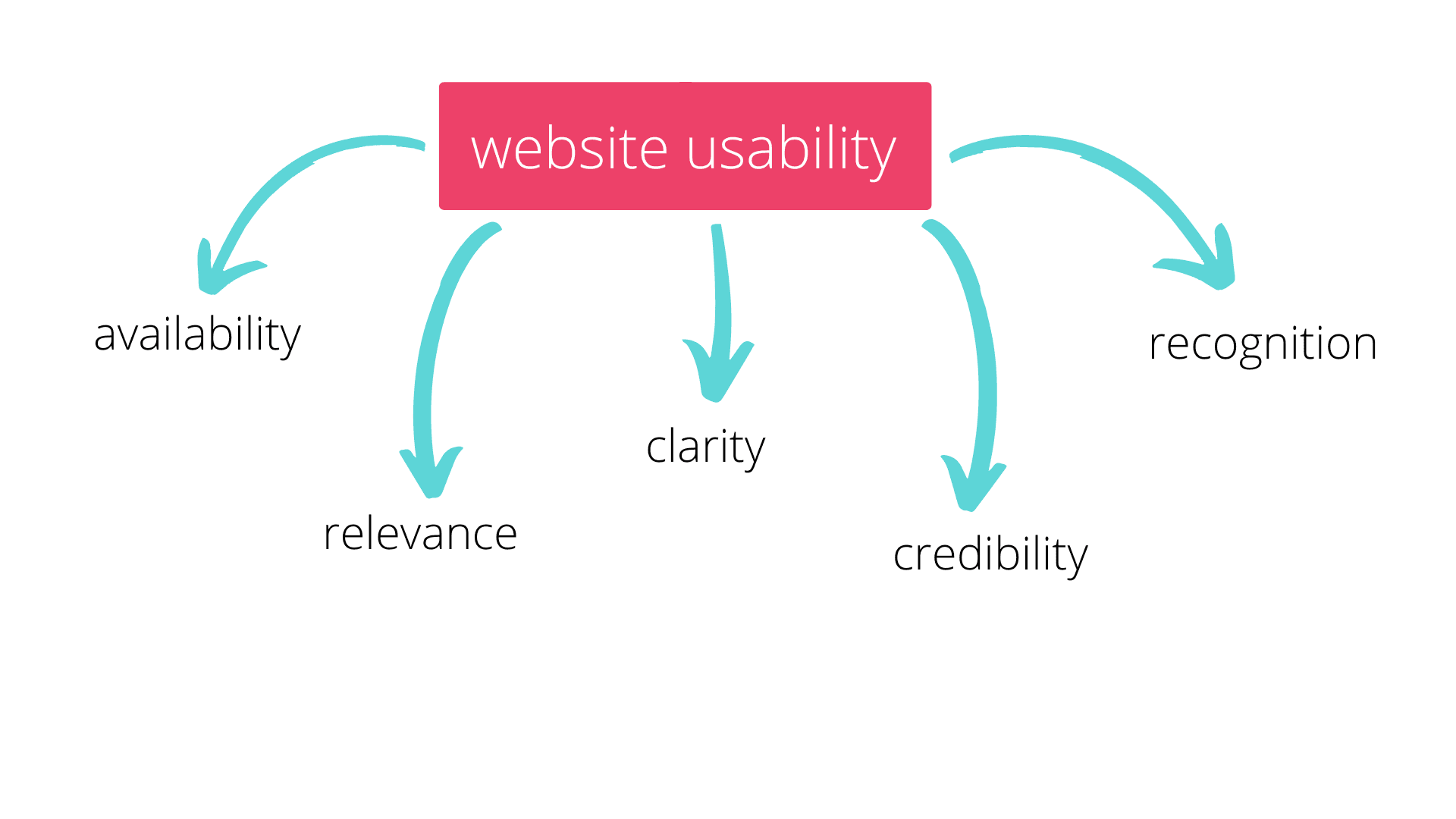
Why Usability is Crucial for Your Website's Success
Usability is a critical factor in determining the success of your website. A website that is easy to navigate and understand helps users find the information they need efficiently. When potential customers visit a site that is cluttered or difficult to use, they are likely to leave and seek out competitors. According to studies, a well-designed user interface can increase conversion rates significantly, as users feel more comfortable making decisions when they can easily access the choices available to them.
Moreover, usability plays a crucial role in enhancing user experience (UX). A positive UX leads to increased customer retention and can transform casual visitors into loyal users. Features like responsive design, fast loading times, and intuitive navigation are all essential elements that contribute to usability. By prioritizing these aspects, your website can not only attract more visitors but also encourage them to return, ultimately contributing to your brand's credibility and success in the digital landscape.
10 Essential Usability Tips to Enhance User Experience
Creating a seamless user experience is essential for the success of any website. Here are 10 essential usability tips that can significantly enhance user interaction:
- Simple Navigation: Ensure your website has a clear and intuitive navigation structure. Users should be able to find what they need without confusion.
- Responsive Design: Optimize your site for all devices. A mobile-friendly design ensures that users have a smooth experience, whether on a desktop or a smartphone.
- Consistent Layout: Maintain consistency in design elements such as colors, fonts, and button styles to promote familiarity.
- Fast Loading Times: Improve site speed by compressing images and minimizing code. Users are more likely to abandon a site that takes too long to load.
- Clear Calls-to-Action: Use prominently placed buttons and links to guide users toward desired actions, ensuring they are easily identifiable.
- Error Prevention: Implement measures such as form validation to prevent errors and simplify user input.
- Accessible Content: Ensure that all users, including those with disabilities, can access your site by following WCAG guidelines.
- User Feedback: Encourage and act upon user feedback to continuously refine and improve the user experience.
- Visual Hierarchy: Use headings, subheadings, and spacing effectively to guide users’ attention to important information.
- Content Readability: Use clear, concise language and break content into manageable sections to enhance readability.
How to Evaluate Your Website's Usability: A Comprehensive Guide
Evaluating your website's usability is crucial for improving user experience and optimizing conversions. Start by identifying the key usability metrics such as time on task, error rate, and user satisfaction. You can gather data through methods like user testing, where real users interact with your site while you observe their behavior, or by utilizing analytics tools that track user interactions. Analyzing this data helps pinpoint areas that require improvement, ensuring that users can navigate your website smoothly and efficiently.
Next, consider conducting a heuristic evaluation, which involves assessing your website against established usability principles. Create a checklist based on guidelines such as visibility of system status, consistency and standards, and error prevention. As you review your site, look for common usability issues, such as confusing navigation menus or inaccessible content. By systematically evaluating your website's usability, you will not only enhance user experience but also improve your SEO performance, as search engines favor sites that prioritize user satisfaction.